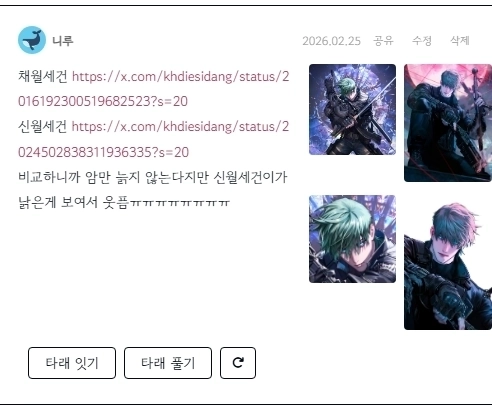
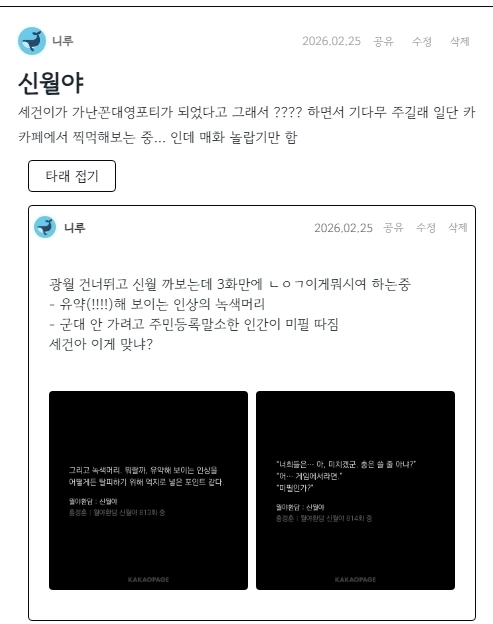
.png)
26
2026. 2
😊
좋음
썰타래 게시판 모바일 최?적화
style.css
/* 모바일/작은 화면: 이미지를 무조건 텍스트 아래에 배치, 높이 유동적 */

@media (max-width: 768px) {

.view_article { width: 100% !important; /* 컨테이너 자체에 1200px 잡혀 있어서 이 부분 조정 안 해주면 모바일에서도 1200px 게시판으로 출력됨 */}


/* 본문 바디 영역 */

.log20_tarae_body .has-images {

    display: flex;

    flex-direction: column !important;

    gap: 12px;

    padding-left: 15px; /* 왼쪽 여백 조정 */

    height: auto !important; /* 고정 높이 해제 */

    min-height: 0;

    overflow: visible !important; /* 이미지가 잘리지 않도록 설정 */

}


/* 텍스트 영역: 첫 번째 순서 */

.log20_tarae_body .has-images .log20_tarae_text {

    order: 1;

    flex: 0 0 auto;

    width: 100%;

    max-height: none !important;

    padding-left: 0; /* 모바일에서는 들여쓰기 제거 또는 조정 */

    word-break: break-all; /* 텍스트가 화면 밖으로 나가지 않게 방지 */

}


/* 이미지 영역: 두 번째 순서 */

.log20_tarae_body .has-images .log20_tarae_images_rows {

    order: 2;

    display: flex;

    flex-direction: column; /* 이미지 줄들도 세로로 나열 */

    gap: 8px;

    width: 100%;

    margin-top: 10px;

    flex: 0 0 auto;

    height: auto !important;

    overflow: visible !important;

    justify-content:flex-start;

    align-items: flex-start;

}


/* 타래 바디 영역 */

.log20_tarae_thread_body.has-images {

    display: flex;

    flex-direction: column !important;

    gap: 12px;

    padding-left: 15px; /* 왼쪽 여백 조정 */

    height: auto !important; /* 고정 높이 해제 */

    min-height: 0;

    overflow: visible !important; /* 이미지가 잘리지 않도록 설정 */

}


/* 텍스트 영역: 첫 번째 순서 */

.log20_tarae_thread_body.has-images .log20_tarae_thread_text {

    order: 1;

    flex: 0 0 auto;

    width: 100%;

    max-height: none !important;

    padding-left: 0; /* 모바일에서는 들여쓰기 제거 또는 조정 */

    word-break: break-all; /* 텍스트가 화면 밖으로 나가지 않게 방지 */

}


/* 이미지 영역: 두 번째 순서 */

.log20_tarae_thread_body.has-images .log20_tarae_images_rows {

    order: 2;

    display: flex;

    flex-direction: column; /* 이미지 줄들도 세로로 나열 */

    gap: 8px;

    width: 100%;

    margin-top: 10px;

    flex: 0 0 auto;

    height: auto !important;

    overflow: visible !important;

    justify-content:flex-start;

    align-items: flex-start;

}


/* 개별 이미지 행과 아이템 */

.log20_tarae_images_row {

    display: flex;

    flex-direction: column; /* 한 줄에 이미지 하나씩 나오도록 (선택 사항) */

    height: auto !important;

    justify-content:flex-start;

    align-items: flex-start;

}


.log20_tarae_images_row .log20_tarae_image_item {

    width: 100% !important; /* 이미지 너비를 화면에 맞춤 */

    height: auto !important;

    max-width: 100%;

    margin-bottom: 5px;

}


.log20_tarae_image_item img {

    width: 100%;

    height: auto !important;

    object-fit: contain; /* 이미지가 왜곡되지 않고 전체가 보이도록 함 */

}


}
최적화까진 아닌데 걍 폰에서도 보기 편하게 조금 손대봄
* 클래스 view_article 컨테이너 자체에 1200px 잡혀 있어서 이 부분 조정 안 해주면 모바일에서도 1200px 게시판으로 출력됨 -> width: 100% !important 줬음
언제나처럼 AI와 함께 하는 갠홈생활...